You have several cards. Each one gives different cashback, points and offers at each store. PayRing tells you which of your cards to use, and why.
Private beta, by invite.
How it works
Add your cards
Pick the bank and the card name. No full card number, no CVV.
Pick a store and amount
Amazon, Flipkart, Swiggy and more. Type what you're about to spend.
See your best card
Your cards ranked by what you get back, with the reason for each.
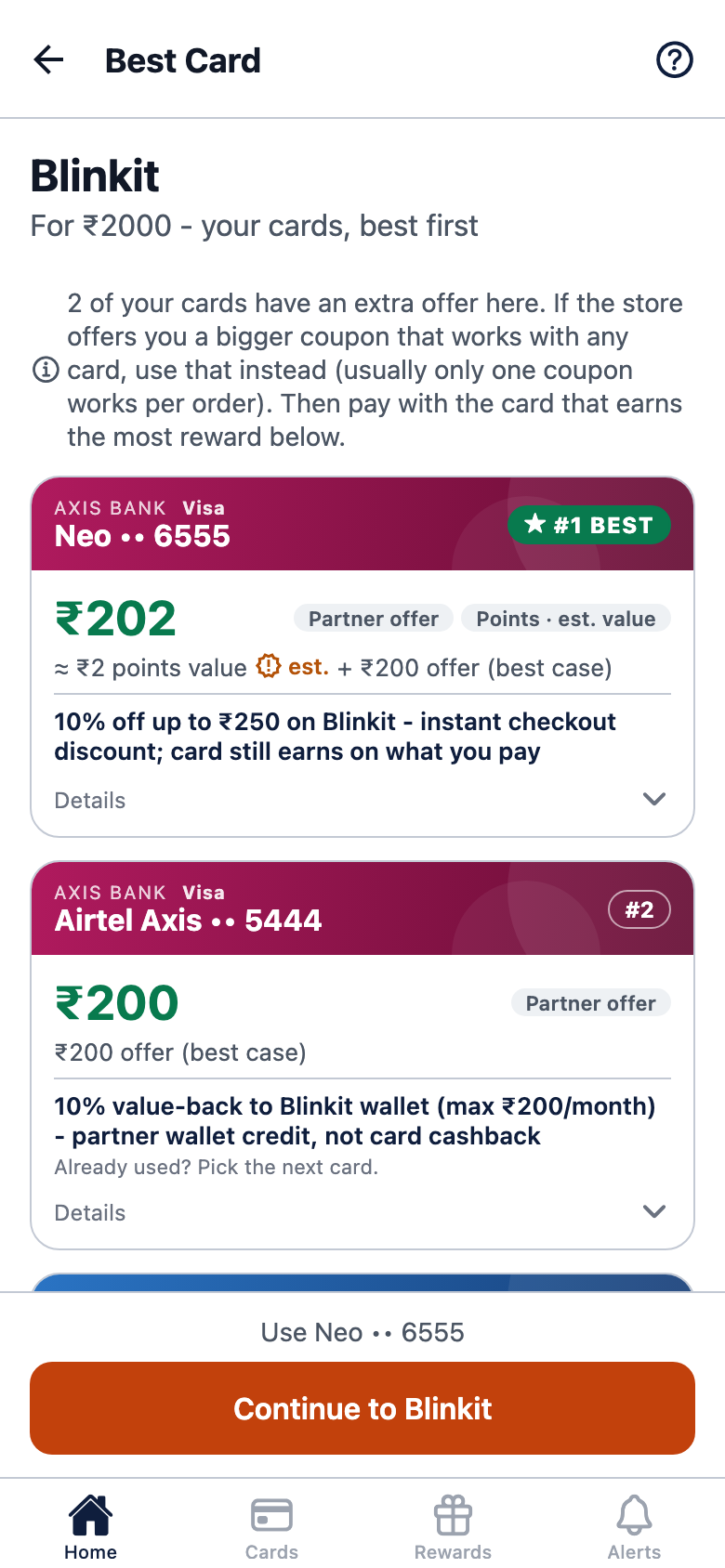
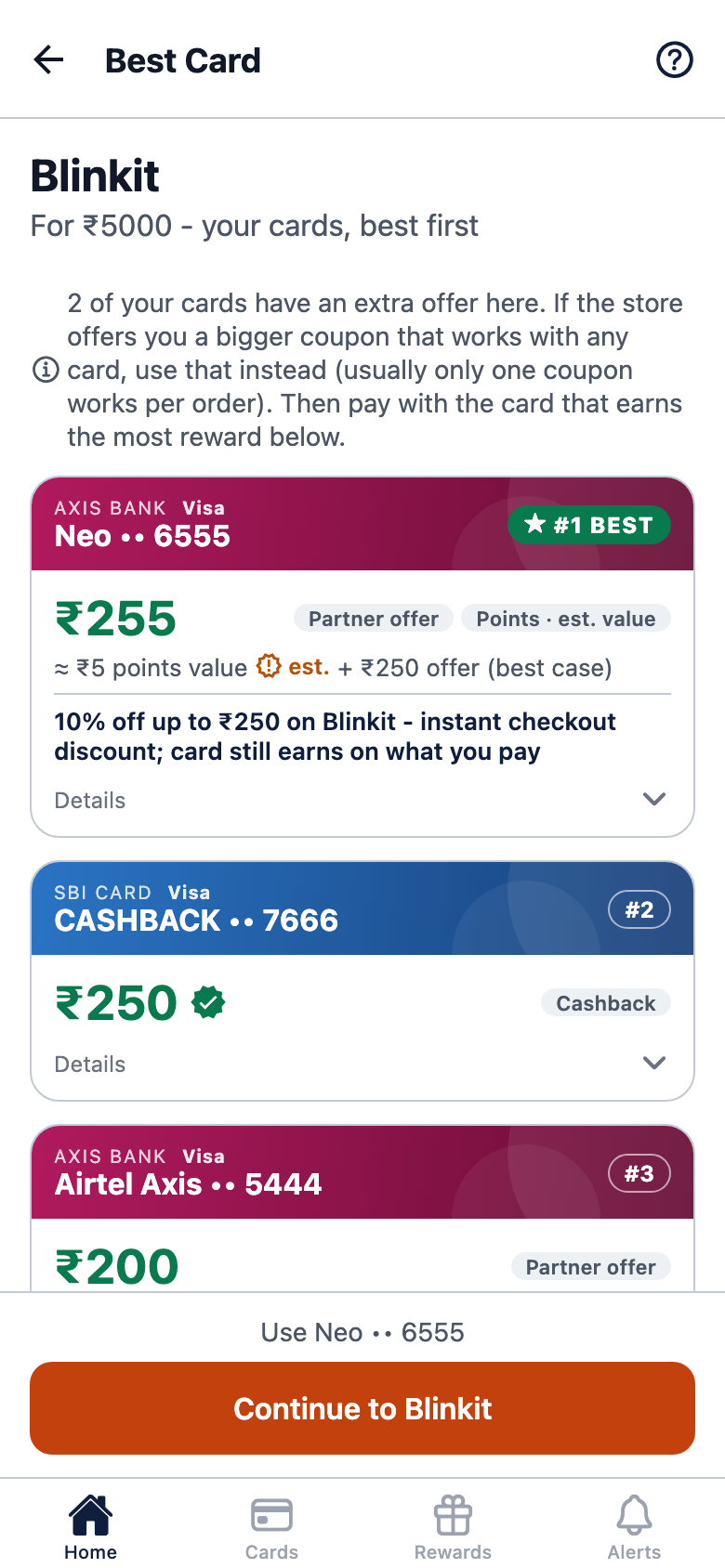
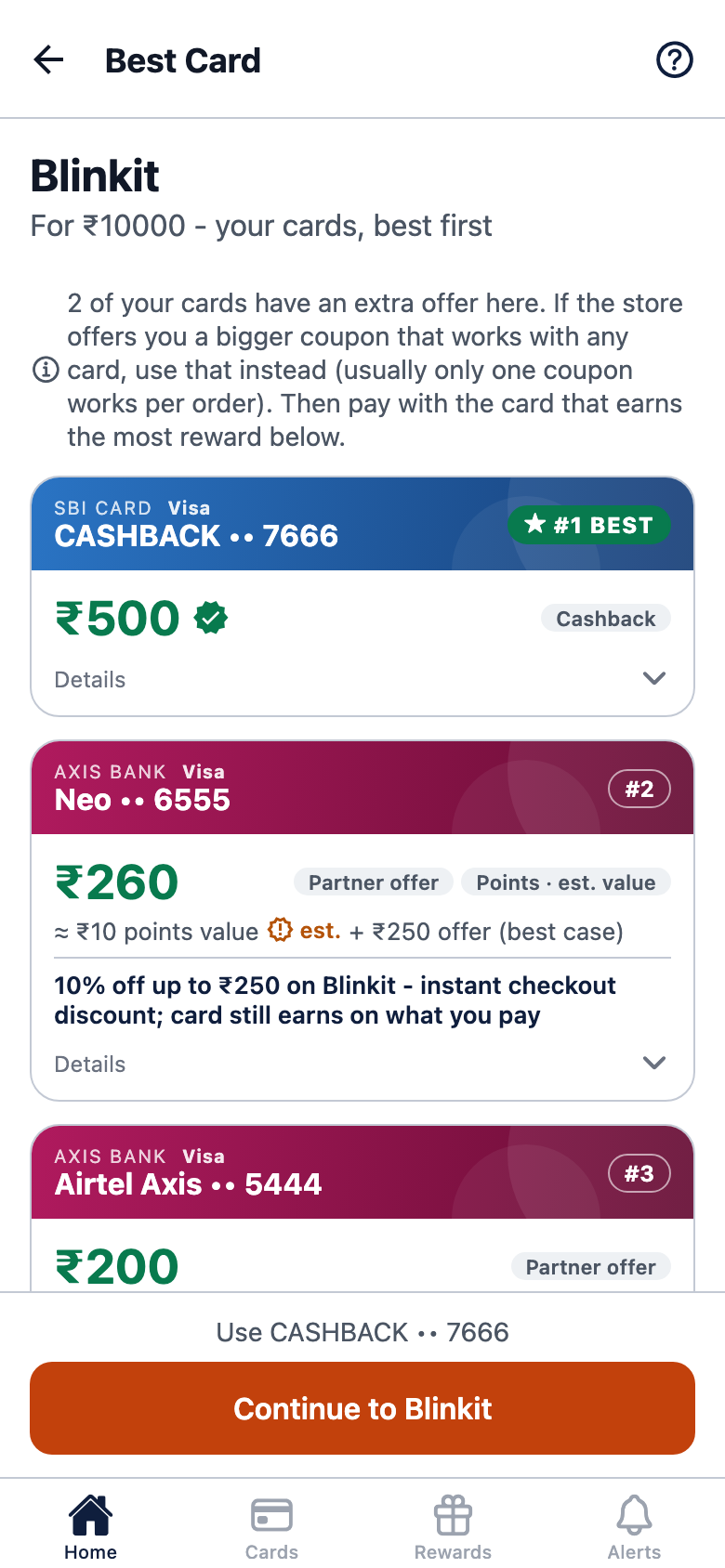
The same store at three amounts: the best card changes. Test cards.
Why you can trust the answer
A wrong suggestion is worse than none. So we verify before we show.
cards from Indian banks
Reward rules read from each bank's own terms, not from blogs.
store offers
Bank offers are read from bank websites and verified by us before they appear.
when we're unsure
If we don't know a card's rate somewhere, we tell you instead of making one up.
Where you can use it
The stores PayRing compares your cards for today. We add more as we verify them.
Shopping
Food and groceries
Travel
Movies
Electronics
Fuel
Health, jewellery and more
Questions
What PayRing does today.
Do you store my card number?
No. You add a card by choosing the bank and the card name. We never ask for your full card number or CVV.
Does PayRing make payments?
No. PayRing only tells you which card to use. You pay at the store as you normally do.
Where do the reward rates come from?
From each bank's own published terms for that card. Store offers come from bank websites, and we verify each one before it is shown.
My card isn't listed. What now?
Type its name when adding a card and tap "Not in the list? Add". We read the bank's terms, add the card, and let you know when it's ready.
Is PayRing linked to any bank?
No. PayRing is independent and isn't paid by any bank to rank its cards.
How do I get access?
PayRing is in a private beta and works by invite. Email hello@getpayring.com and we'll send you one.
Stop guessing which card to use
PayRing is in a private beta. Ask for an invite and we'll send you one.
Work with PayRing
Bank, card team, store, or an investor, whether a fund or an individual? If you'd like to partner with us or back PayRing, we'd love to hear from you.
Get in touch